
Deep Ocean
An abyssal blue palette with a sea-glass highlight and softer corners. It is also the example theme you can save from Settings and edit into your own.
Desktop

Continue Watching
30 titles
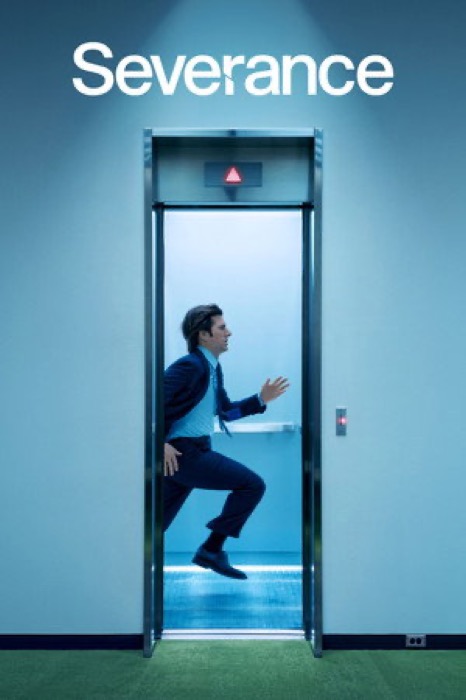

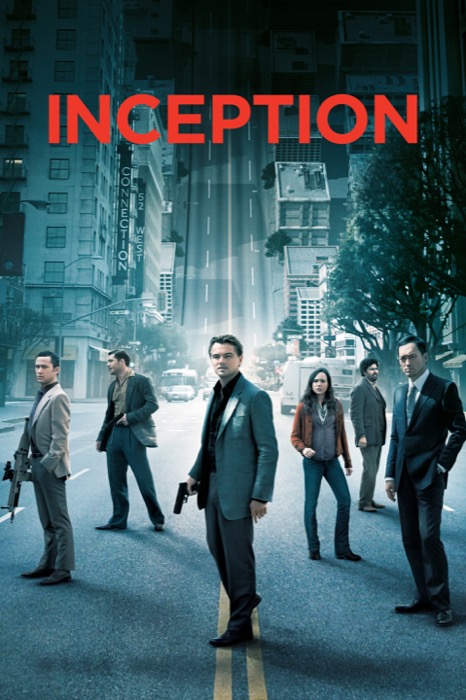
Recently Added
Movies
Series
Listening and reading
Home Screen 1 of 6
Library Screen 2 of 6
About
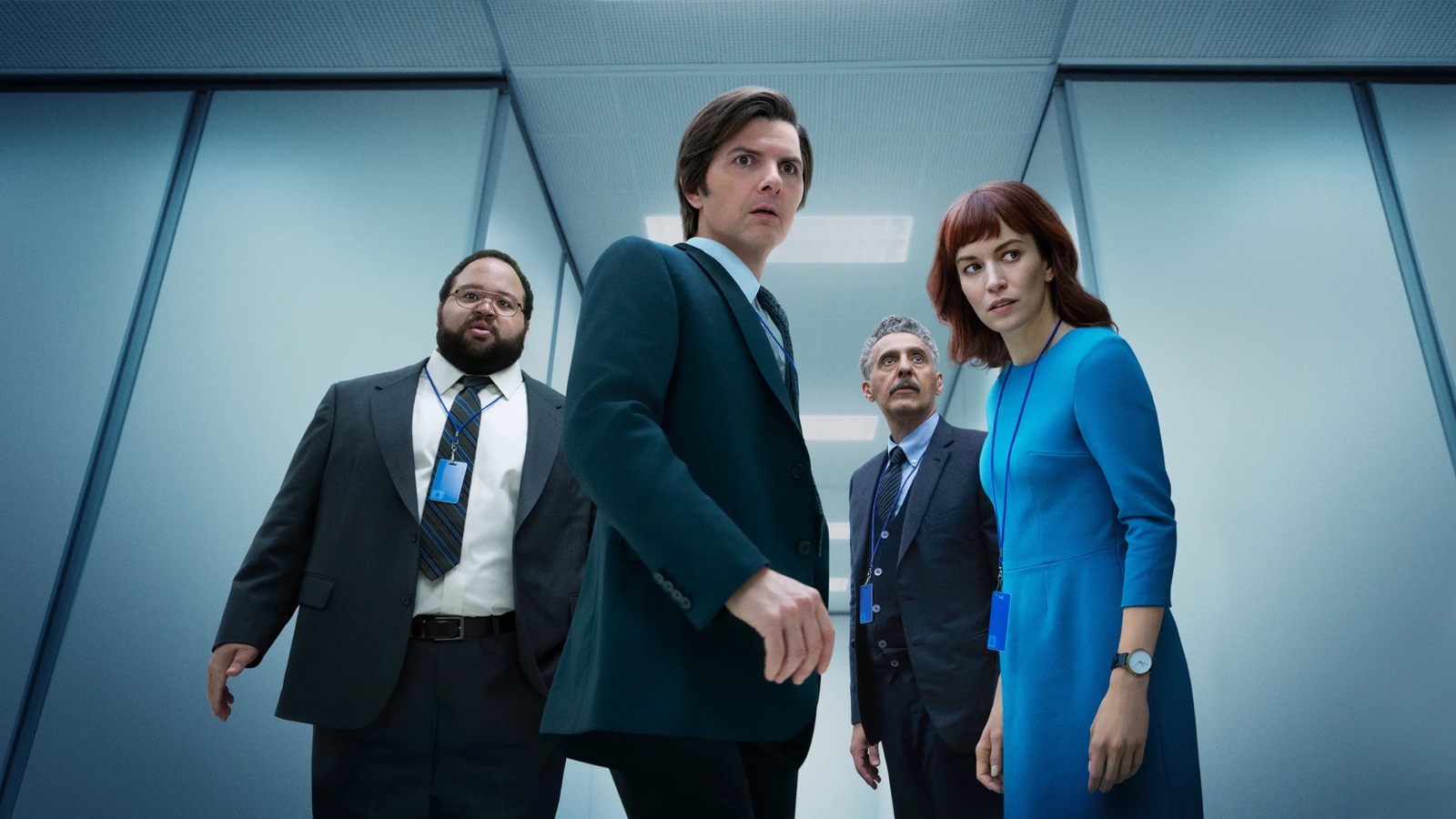
At a quiet biotech company, a team of office workers has had their memories split between work and home. Then a former colleague turns up with questions.
- Genre
- Thriller
- Studio
- Red Hour
- Rating
- TV-MA
Seasons
Episodes
Versions and sources
Cast
Highlights
Details Screen 3 of 6
Player Screen 4 of 6
Top result
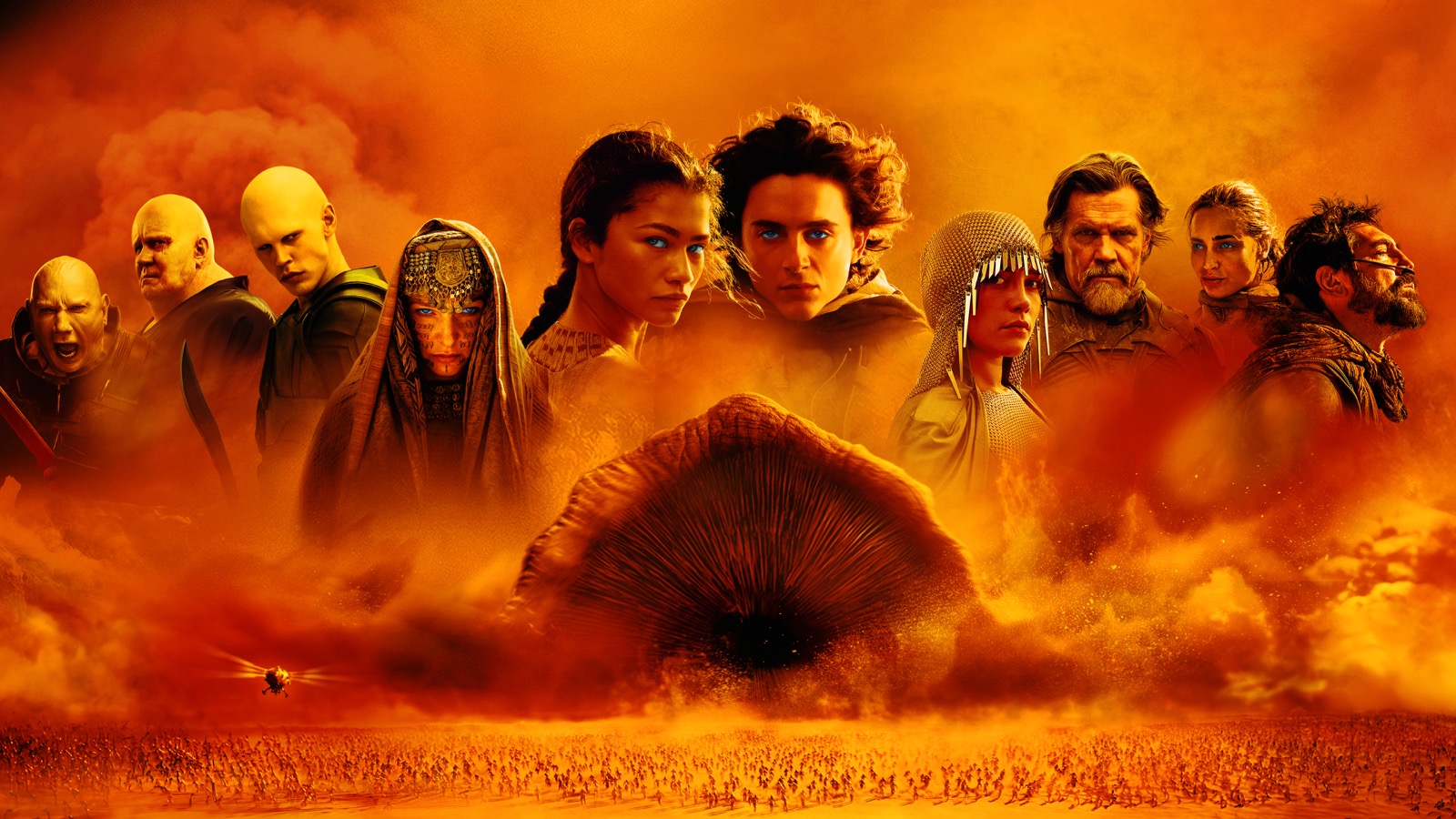
Paul joins the desert people of Arrakis and must choose between the woman he loves and the fate of the known universe.
Movies
Search Screen 5 of 6
Tablet
Continue Watching
30 titlesRecently Added
Movies
Series
Listening and reading
Home Screen 1 of 6
Library Screen 2 of 6
About
At a quiet biotech company, a team of office workers has had their memories split between work and home. Then a former colleague turns up with questions.
- Genre
- Thriller
- Studio
- Red Hour
- Rating
- TV-MA
Seasons
Episodes
Versions and sources
Cast
Highlights
Details Screen 3 of 6
Player Screen 4 of 6
Top result
Paul joins the desert people of Arrakis and must choose between the woman he loves and the fate of the known universe.
Movies
Search Screen 5 of 6
Phone
Continue Watching
30 titlesRecently Added
Movies
Series
Listening and reading
Home Screen 1 of 6
Library Screen 2 of 6
About
At a quiet biotech company, a team of office workers has had their memories split between work and home. Then a former colleague turns up with questions.
- Genre
- Thriller
- Studio
- Red Hour
- Rating
- TV-MA
Seasons
Episodes
Versions and sources
Cast
Highlights
Details Screen 3 of 6
Player Screen 4 of 6
Top result
Paul joins the desert people of Arrakis and must choose between the woman he loves and the fate of the known universe.
Movies
Search Screen 5 of 6
TV
Continue Watching
30 titlesRecently Added
Movies
Series
Listening and reading
Home Screen 1 of 6
Library Screen 2 of 6
About
At a quiet biotech company, a team of office workers has had their memories split between work and home. Then a former colleague turns up with questions.
- Genre
- Thriller
- Studio
- Red Hour
- Rating
- TV-MA
Seasons
Episodes
Versions and sources
Cast
Highlights
Details Screen 3 of 6
Player Screen 4 of 6
Top result
Paul joins the desert people of Arrakis and must choose between the woman he loves and the fate of the known universe.
Movies
Search Screen 5 of 6
Illustrative preview, drawn from the theme file.
Colors
Dark
#041019#0A1C2B#061522#E6F4FC#8DB4C9#5FD3C4Light
#EAF3F7#FFFFFF#DCEAF1#062031#3A5A6C#0E7C74Design
- Navigation
- Left sidebar
- Featured titles
- Full cover
- Corners
- 14 pt
- Title font
- System
- Detail font
- System
Use this theme
- Download the theme file.
- In alkemyo, open Settings > Themes & colors.
- Choose Import theme… and select the file.
- alkemyo checks the file, then applies the theme. Remove it any time to go back to Cinema.
A theme file holds only colors, corner sizes, a text size and an optional layout. It cannot run code or load anything from the internet.